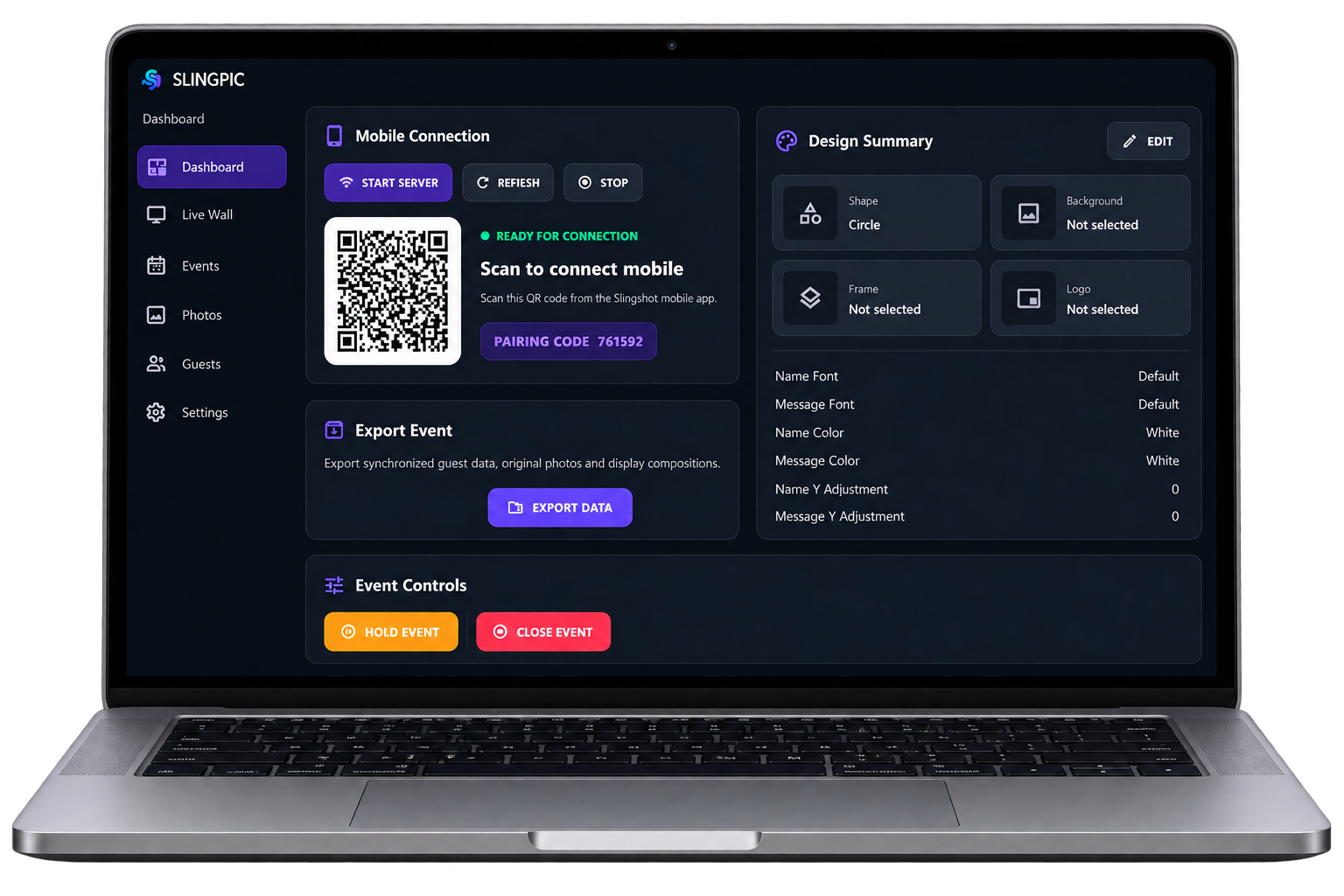
QR pairing
Pair the Android guest/capture application with the Windows operator application for the active event.
SLINGPIC BY EJOY SOFTWARE
A guest captures a photo using the smartphone-mounted slingshot prop, triggers the experience and sees the photo travel digitally to the Live Photo Wall.
SLINGPIC provides the software experience. Compatible event displays and venue hardware are separate.
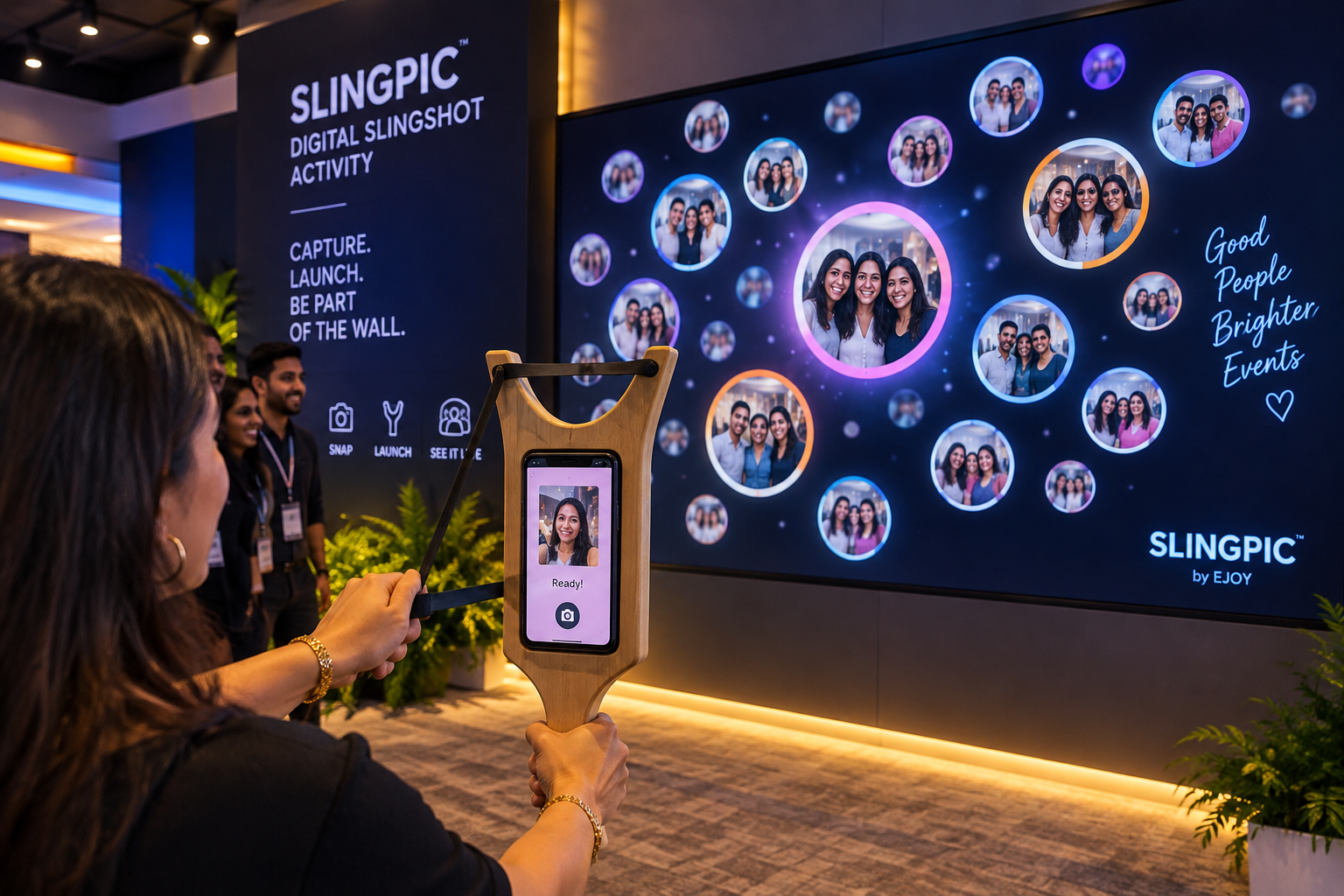 EJOY experience visual
COMPLETE EVENT FLOW
A clean, local workflow keeps the operator informed and makes guest participation easy to follow.
Prepare and control the active event.
Configure the event and QR connection.
Join the active local event.
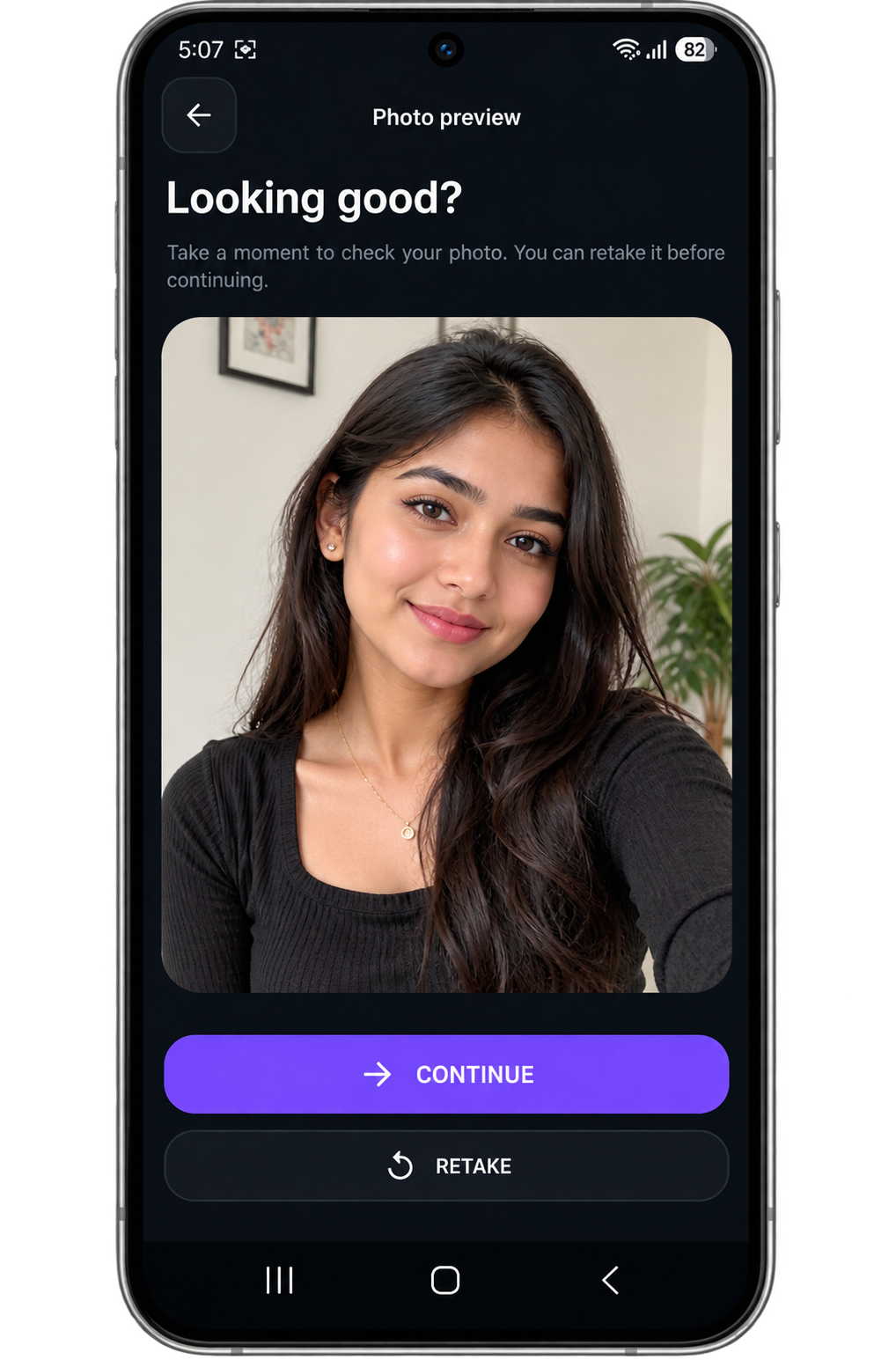
Take, review and send the photo.
Move the contribution over the local network.
Bring the contribution into the room.
THE SOFTWARE
The Windows operator application prepares and controls the event. The Android guest application handles participation and sends contributions over the configured local network.
OPTIONAL AI PHOTO TRANSFORMATIONS
Give guests a creative new look with SLINGPIC's optional AI photo transformations. Choose from built-in themes or create custom event styles.
Available with PRO + AI entitlement. Internet access is required for AI generation.
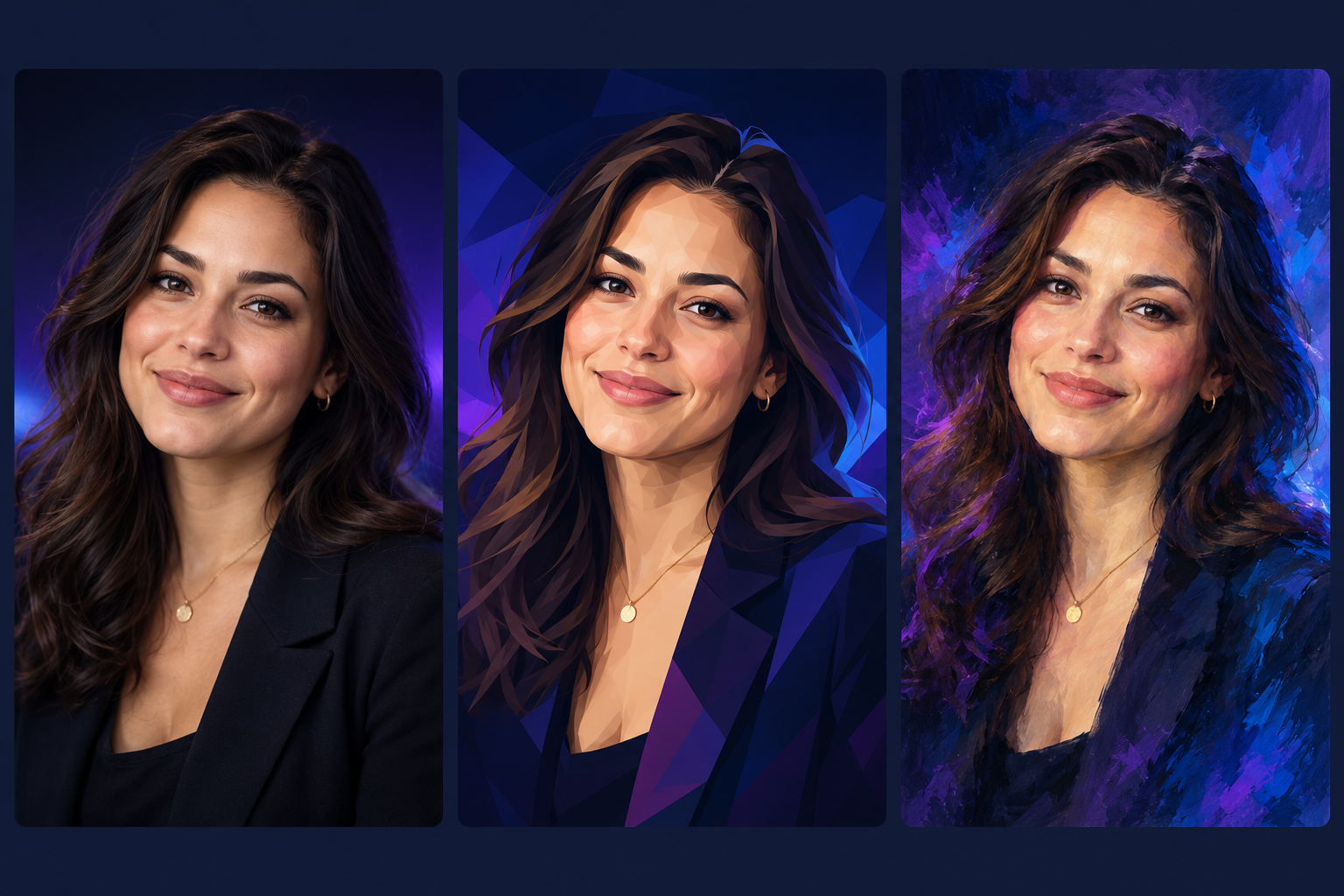

Conceptual style illustrations — not actual SLINGPIC application outputs. The style names are genuine built-in SLINGPIC 1.0.2 options. Genuine samples can replace these files without changing the selector.
One local workflow
SLINGPIC connects the operator and guest-facing applications over local Wi-Fi/LAN, keeping the core event flow available without depending on public internet access.
Pair the Android guest/capture application with the Windows operator application for the active event.
Guide a guest through their photo, name and message in a focused sequence.
Bring approved event contributions into a live visual wall for the room. SLINGPIC provides the live-wall software output; display hardware and venue infrastructure are part of the event setup.
Prepare event backgrounds, logo treatment and custom frames for a branded experience.
Pause guest participation when the event flow needs it, then continue from the operator side.
Operator-facing recovery concepts help an active event continue after an interruption.
Guest to wall
The guest journey stays focused while the operator application coordinates the event experience behind the scenes.
Connect to the active event by QR.
Add a name and message, take the photo and review.
Send the contribution across the local event network.
See the photo become part of the live wall.
Operator workflow
The Windows operator application coordinates the active event while Android devices handle guest capture on the local event network.
Create and manage the event before guest participation begins.
Prepare event background, logo treatment, frame and supported photo/text presentation controls.
Pair Android guest/capture devices to the active Windows event by QR over the local network.
Operate the event, manage participation state and keep the live photo wall output running.
Hold, resume and recover the active event using the implemented operator controls.
Export guest data and original photos in BASIC and PRO; processed/display photo export is available in PRO.
BASIC vs PRO
The comparison follows the implemented SLINGPIC entitlement model. Pricing can be added later without changing this structure.
SLINGPIC FAQ
Answers below reflect the currently published SLINGPIC behaviour and release status.
The core event workflow is designed to run over local Wi‑Fi/LAN between the Windows operator application and Android guest/capture devices. Public internet is not required for the core guest-to-wall flow during the event. Licensing or setup requirements outside the active event should not be treated as the same thing as the local event network.
The Android guest/capture application pairs with the active Windows event using QR pairing over the local event network.
SLINGPIC currently uses a Windows operator application and Android guest/capture devices. The live-wall software output also needs the event display setup chosen for the venue; SLINGPIC does not imply that display hardware is included with the software.
The operator application manages event setup, supported design controls, mobile connections, event state, the live wall and event outputs.
Guest photo contributions are sent across the local event network and displayed through the SLINGPIC live-wall output. Name and message can be part of the guest contribution where configured.
Both BASIC and PRO include event background, logo and custom frame support. PRO adds more photo shapes and advanced text customization according to the current entitlement table.
The current public feature set includes guest data CSV export and original photo export in BASIC and PRO. PRO also includes processed/display photo export. Storage and export are handled through the Windows event workflow.
Both editions include the core event workflow, QR connection, live wall, guest name/message, branding, custom frame, CSV export, original photo export and event recovery/resume. PRO adds additional photo shapes, advanced text customization, processed/display photo export and unlimited connected devices; BASIC supports up to two connected devices.
Need EJOY to deliver an event experience?
The EJOY Experiences website covers managed interactive event services. This page stays focused on SLINGPIC as a software product.
Release status
SLINGPIC 1.0.2 is available directly from EJOY Software for Windows and Android. Google Play publication remains deferred.