01
Customizable Guest Photo Copies
Brand guest copies with your logo and prepared overlay artwork.
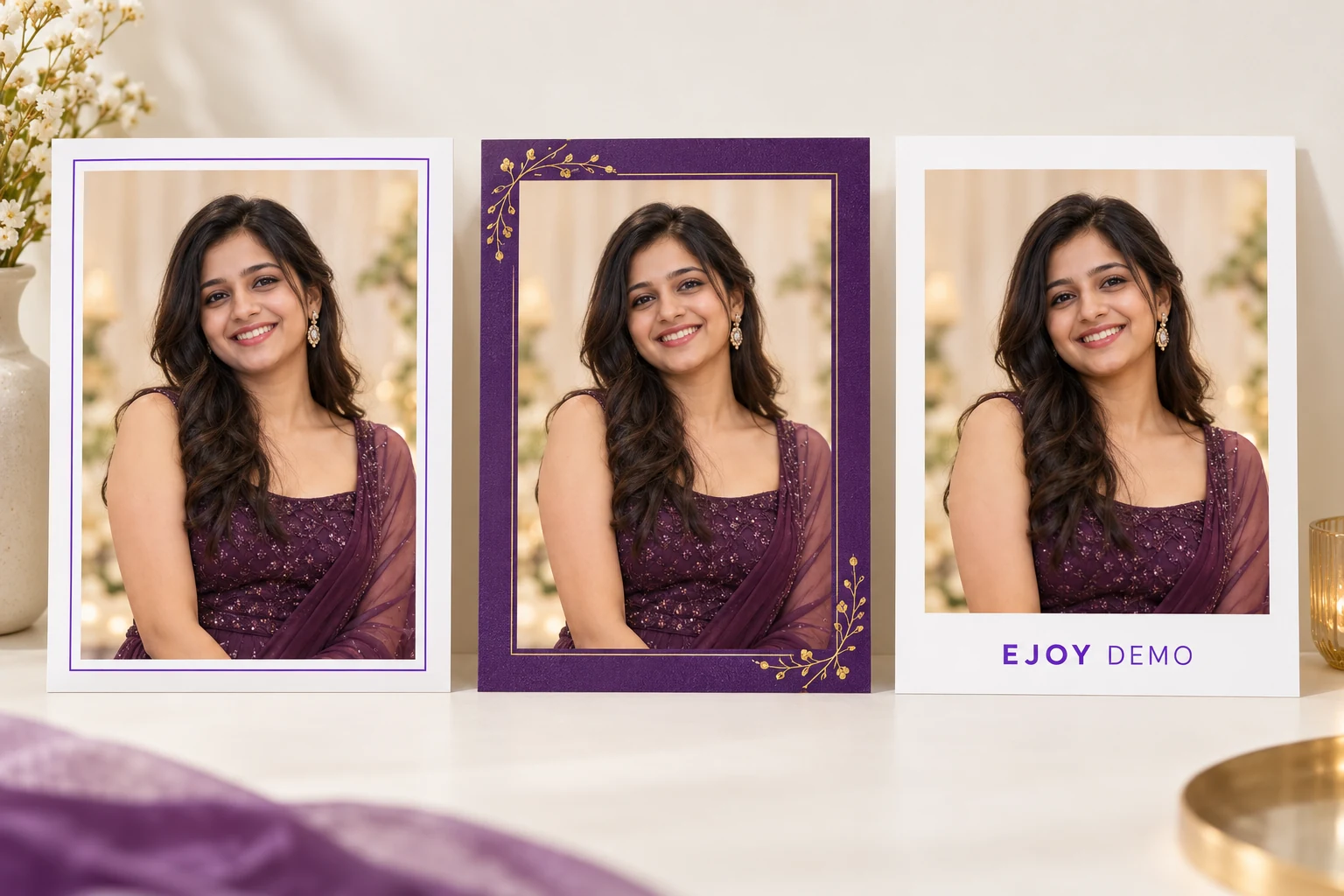
Sample design concepts. Prepared artwork and logos, not verified application exports.
Live Photo Mosaic Wall Software for Events
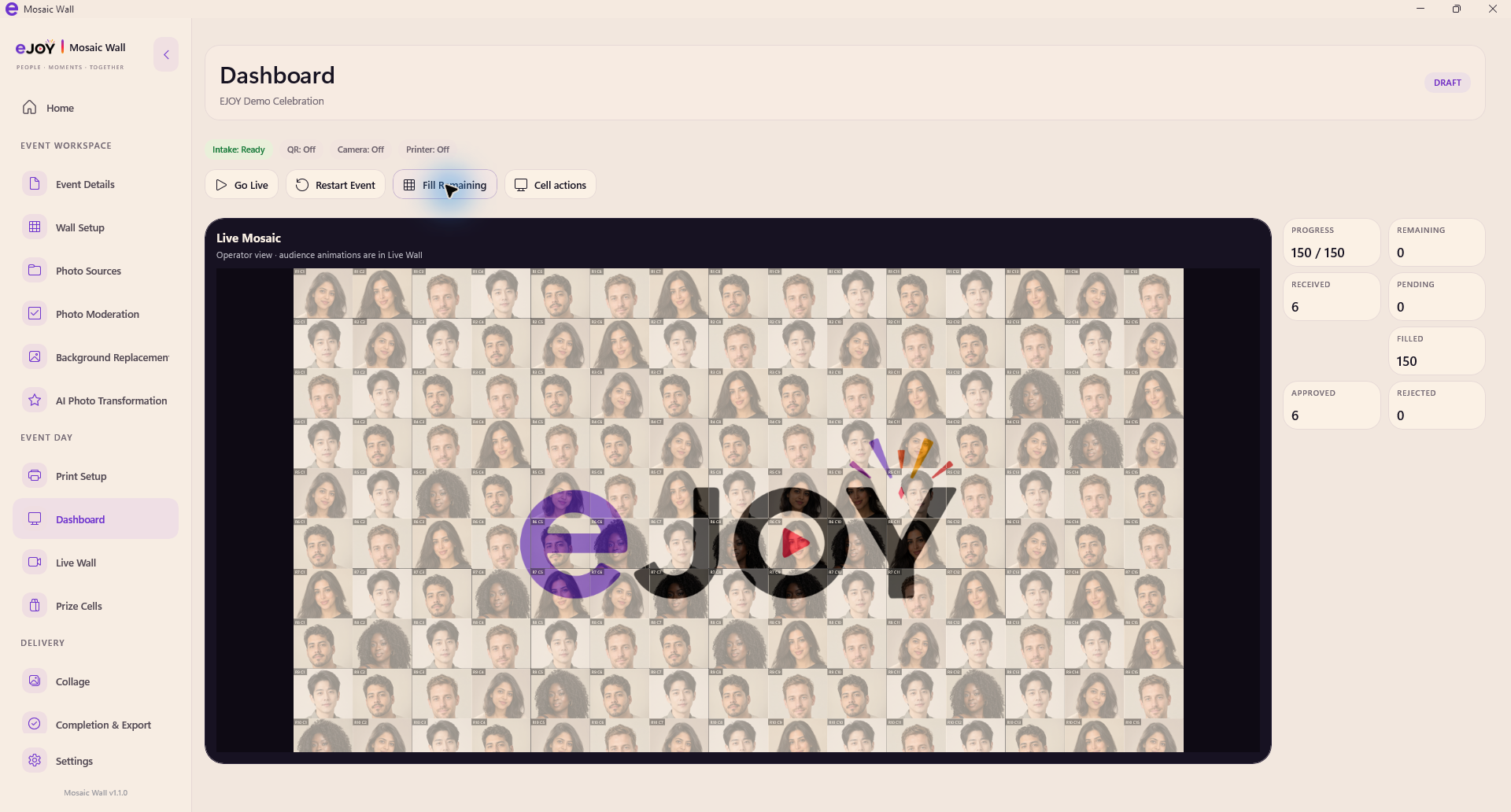
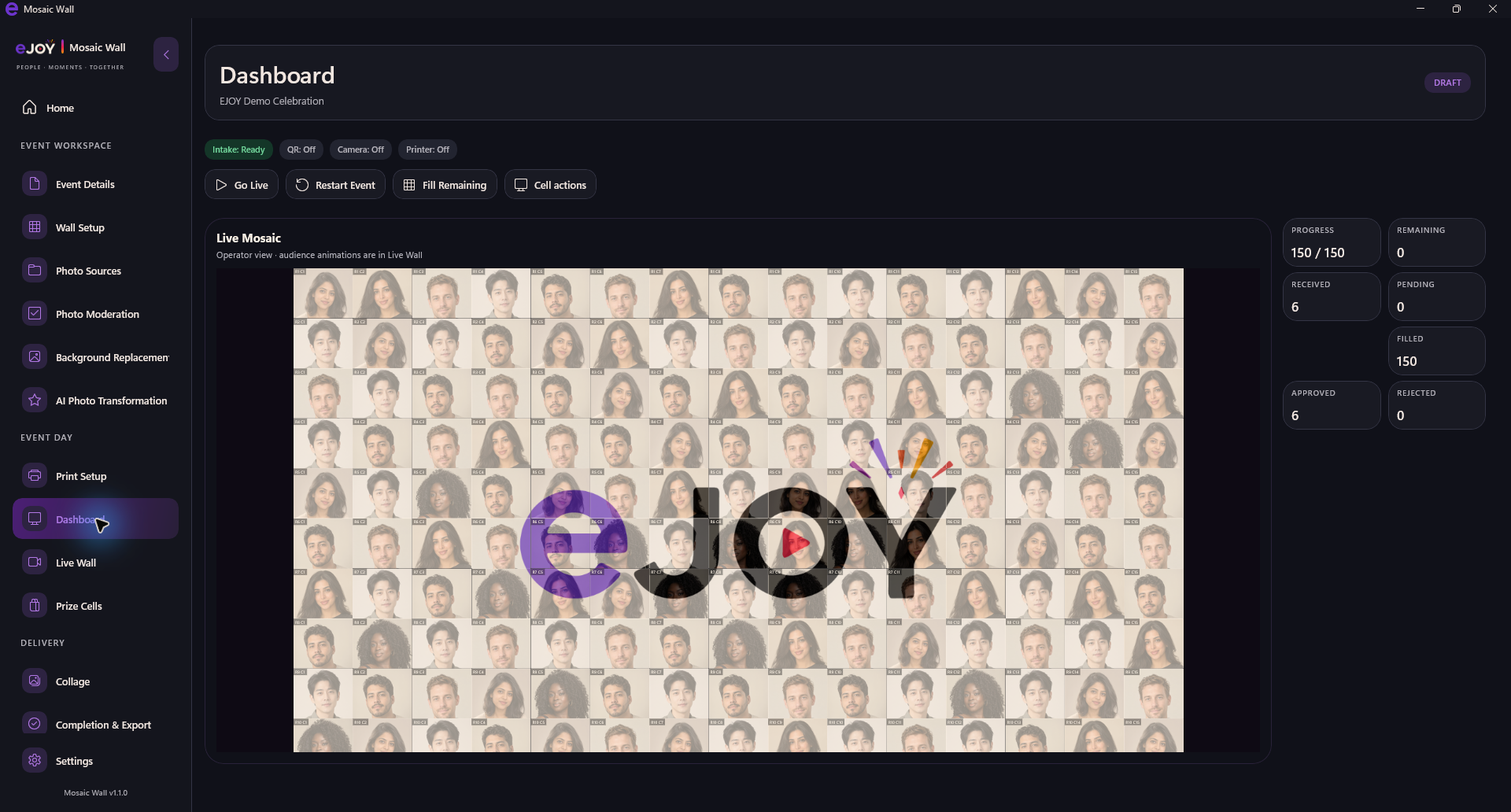
A bigger picture, built one photo at a time. EJOY Photo Mosaic Wall turns individual event photos into tiles within a growing digital mosaic so a larger target image gradually emerges.
V1.1.0 · Windows x64 · License activation required
HOW IT WORKS
The operator prepares the mosaic, welcomes event photos into the workflow and progressively builds the final output.
Prepare the larger artwork the mosaic will reveal.
Bring event photographs into the configured workflow.
Prepare each contribution as a mosaic tile.
Watch the larger target image take shape.
Present the growing wall and supported final outputs.
Made for event day
Prepare the experience, welcome guest photos and bring the bigger picture together.
01
Brand guest copies with your logo and prepared overlay artwork.
Sample design concepts. Prepared artwork and logos, not verified application exports.
02
Create an event, add your master artwork and grid, then welcome guest photos.
A clear setup flow. You stay in control of the event.
03
Give guest portraits a consistent event look with automatic background replacement.

Illustrative example, not an actual MODNet output. Results depend on the photograph.
04
Choose the workspace that feels right for your event.
05
Let guests contribute photos over a configured local connection.
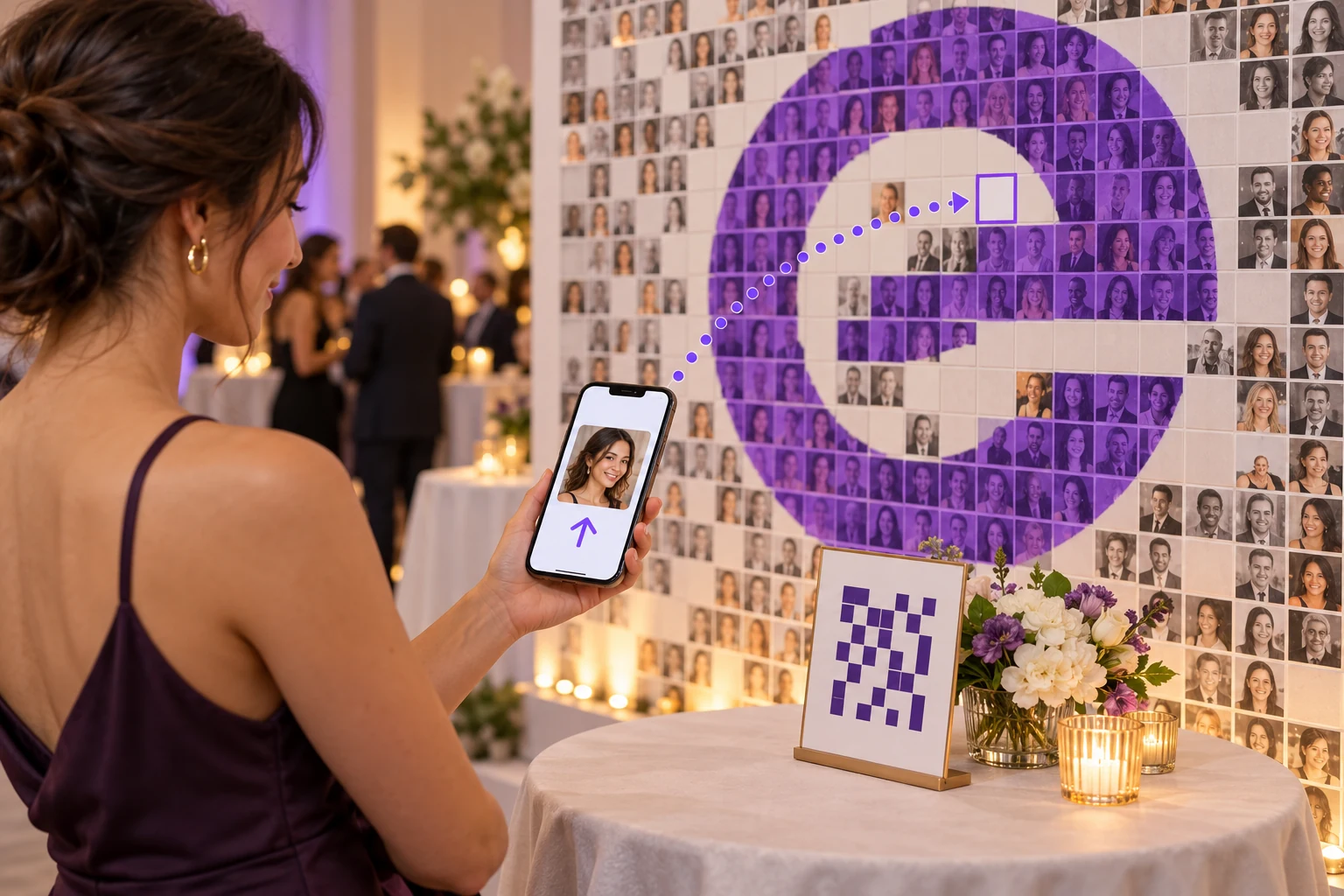
Illustrative local-network workflow. The graphic is not a live QR code.
06
Prepare photo tiles that become part of the bigger picture.
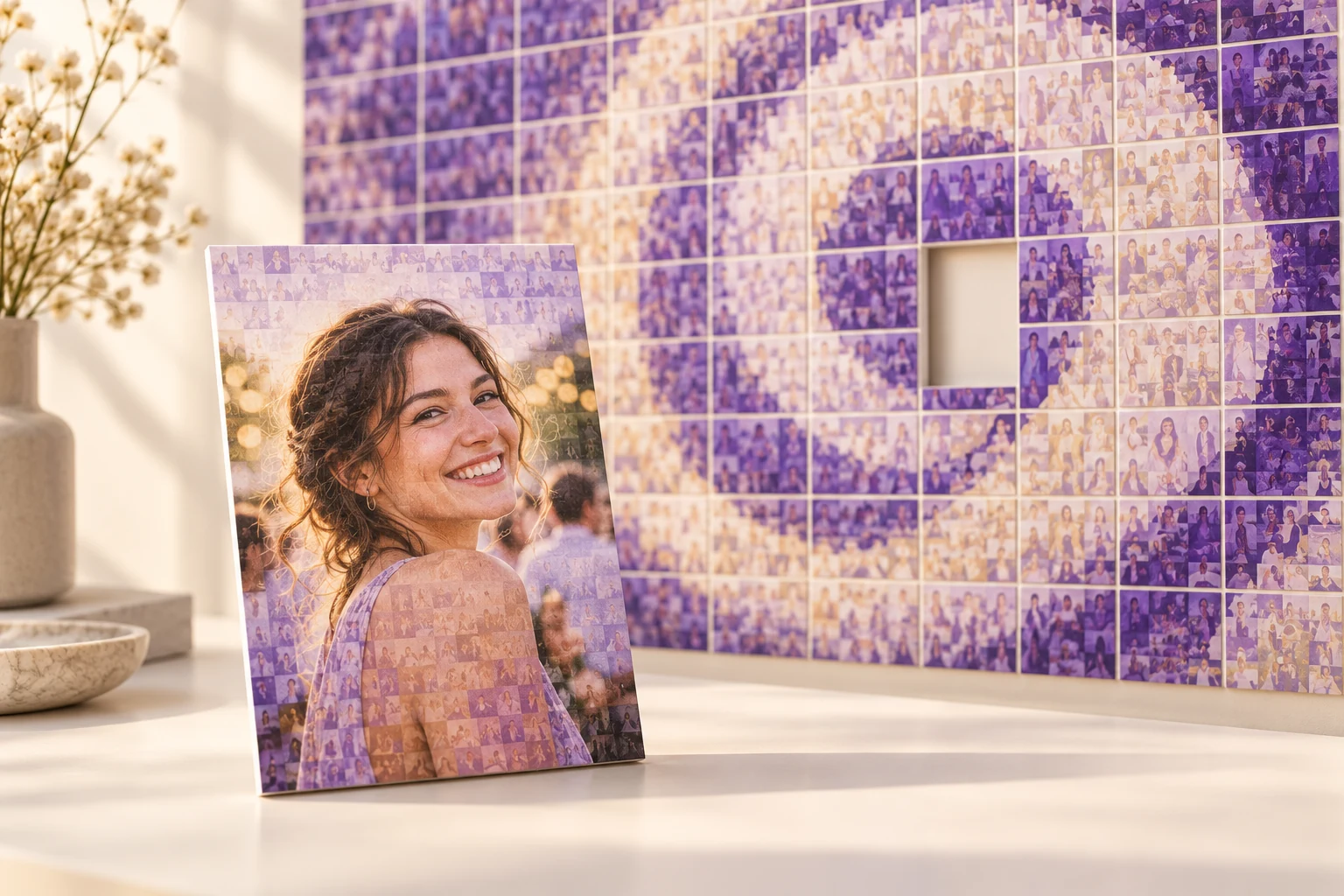
Conceptual print illustration. Compatible printer hardware is separate.
07
Reopen a saved event and continue where you left off.
Saved-event reopening. Recovery from every crash or power failure is not guaranteed.
Windows download
Windows installer (.exe) · 96.06 MB (96,063,958 bytes).
First-launch activation required. Activate your EJOY license on first launch. After activation, supported event operations remain available offline within your license validity.
Windows 10 version 1809 (build 17763) or later, or Windows 11; 64-bit x64 PC. Required application runtimes are included. Allow space for the application, original event photographs and generated outputs; storage needs grow with each event. Printer and external display hardware are optional and must support your Windows setup.
Publisher signature: this installer is not digitally signed. Windows may display an “Unknown publisher” or SmartScreen notice. Verify the checksum before installation.
3FBDBF721E6B6AC350B1D2EBDF79C0A07BF81CC120FD709932B0575D663DD468
FAQ
Photo mosaic software combines individual photographs as smaller tiles to build a larger target image or artwork.
Yes. Prepare a suitable logo, portrait or event visual, then frame it and configure the mosaic grid.
Use manual import, the configured local intake folder or QR-based guest upload over a configured local network.
Yes. Position your logo or prepared image artwork within customer photo copies using Print Setup. The sample designs above are illustrative concepts, not included design templates.
Yes. V1.1.0 supports mosaic image exports and printable PDF outputs. Output dimensions depend on the event configuration.
Activate your EJOY license online on first launch. After activation, supported event operations remain available offline within your license validity. QR guest upload still needs its configured local connection.
Need EJOY to deliver the experience?
The EJOY Experiences website covers event-service delivery. This page is for the Windows software.